
Mobile app
The perfect tool to scan
& transfer your accounting documents
Transform the way you manage your invoices with the Aleop mobile app.

Download the app on your device
 Download on the App Store
 Download on the Google Play Store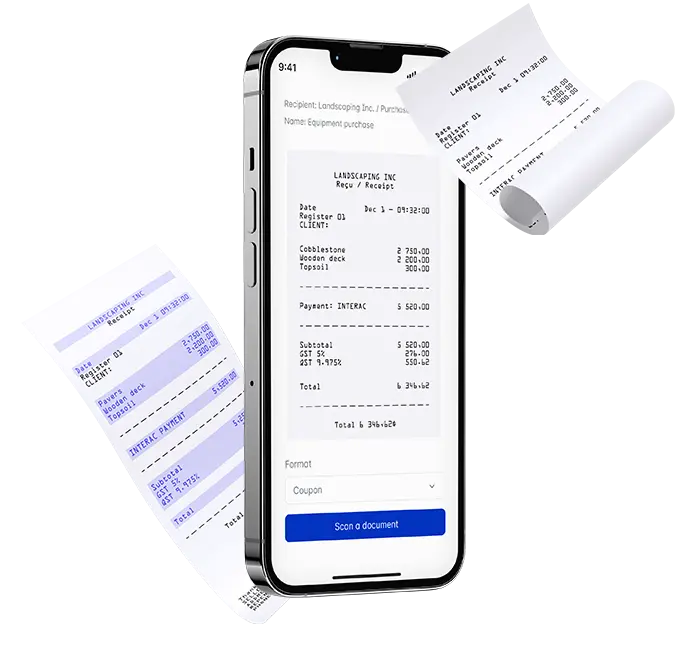
Designed to simplify your daily routine, the mobile app lets you scan your invoices in seconds—wherever you are—and send them directly to your Aleop workspace.
A practical & efficient tool to optimize your accounting management — without unnecessary steps or complications.

Easy to use
Simplicity at your fingertips
Ideal for entrepreneurs, small businesses, and accountants, the Aleop app turns your smartphone into a powerful management tool. Whether you're at the office or on the go, scanning and organizing your invoices becomes simple, fast, and always within reach.
Secure
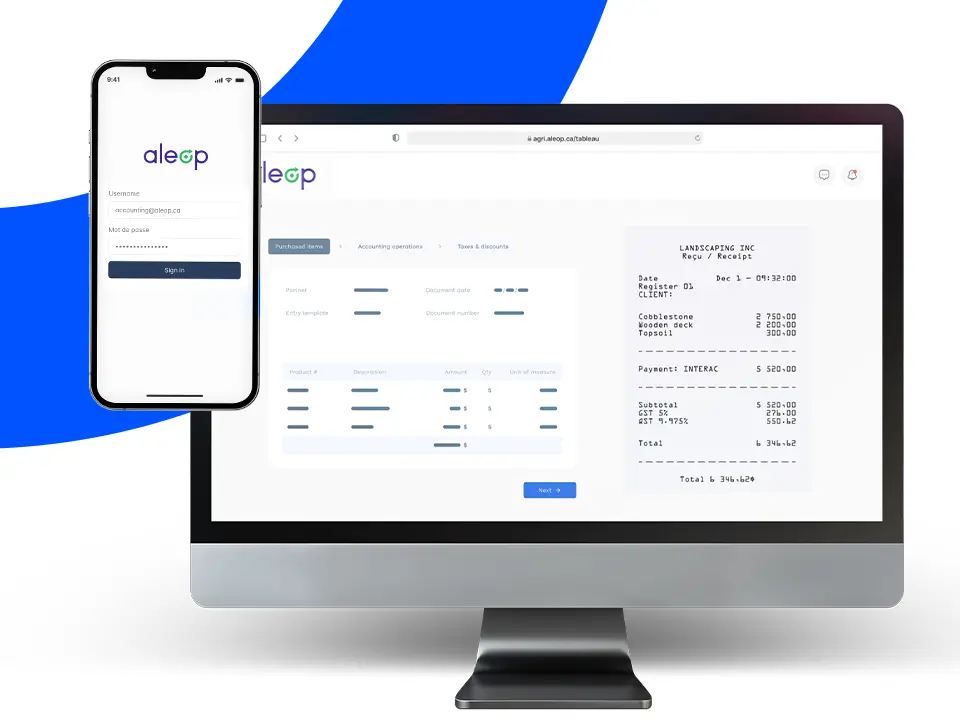
Seamless and secure integration into your Aleop account
Once scanned and organized, your invoices are sent directly to your Aleop account, ready for validation. Everything is automatically synchronized, ensuring a process that’s both simple and secure.
Convenient
Annotate your documents directly from your mobile device
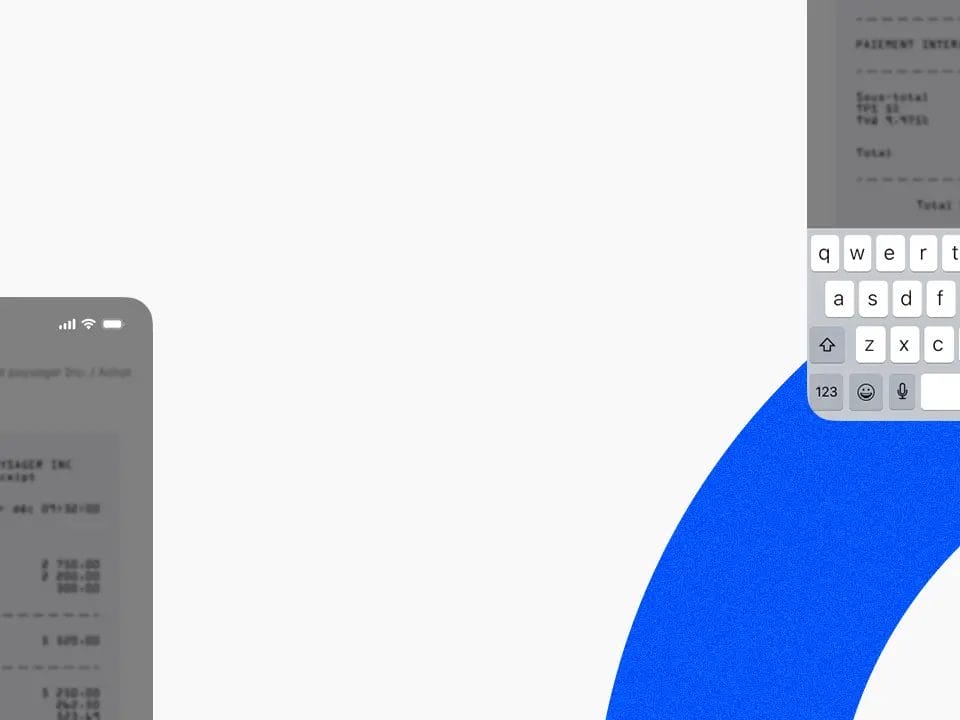
With the Aleop app, you can add informative notes to your documents as soon as they’re captured. Mention a colleague from your Aleop team or include any relevant details — these annotations will remain attached to the document until it’s fully integrated into your Aleop workspace.
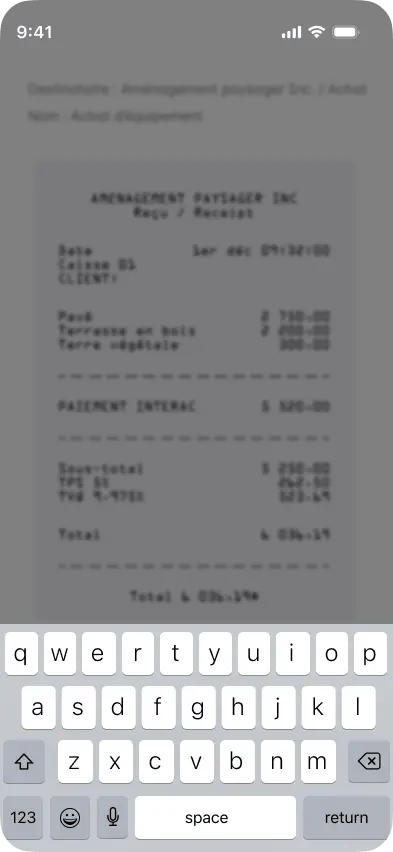
Add a note to this document
Purchase for the greenhouse renovation project
How to use
the Aleop mobile app?
01.
Log in to your Aleop account to get started.
02.
Select the type of document to scan: purchase, sale, or other.
03.
Capture the document clearly, without any visual obstruction.
04.
Once the document is scanned and sent, it goes straight to data validation in your Aleop account.
Download our mobile app today
Download the app now on the App Store or Google Play Store. Scan your invoices and enjoy smoother, more efficient management in just minutes.
FAQ
Have any questions?
Got an unanswered question? Write to us — that’s what we’re here for.
Can the mobile app handle other types of documents?
Yes, the app allows you to scan any type of document, whether accounting-related or not. Documents that aren’t categorized as purchase or sale will be sent to the filing section.
Does the app work offline?
No, an internet connection is required to use the app and send the scanned document to your Aleop account.
Which devices are compatible with the mobile app?
It’s compatible with recent iOS and Android devices. (Minimum Android 9 or iOS 12)
Is the Aleop mobile app included in my subscription?
Yes, it’s included in all Aleop subscriptions at no additional cost.
